


Online Fax for Law Firms
Send and receive legal correspondence from your computer, mobile device or supported email workflow. Fax.Plus helps attorneys and support staff manage fax numbers, control team access and retain transmission records without a dedicated fax machine. Choose the plan and account settings that fit your firm's work.
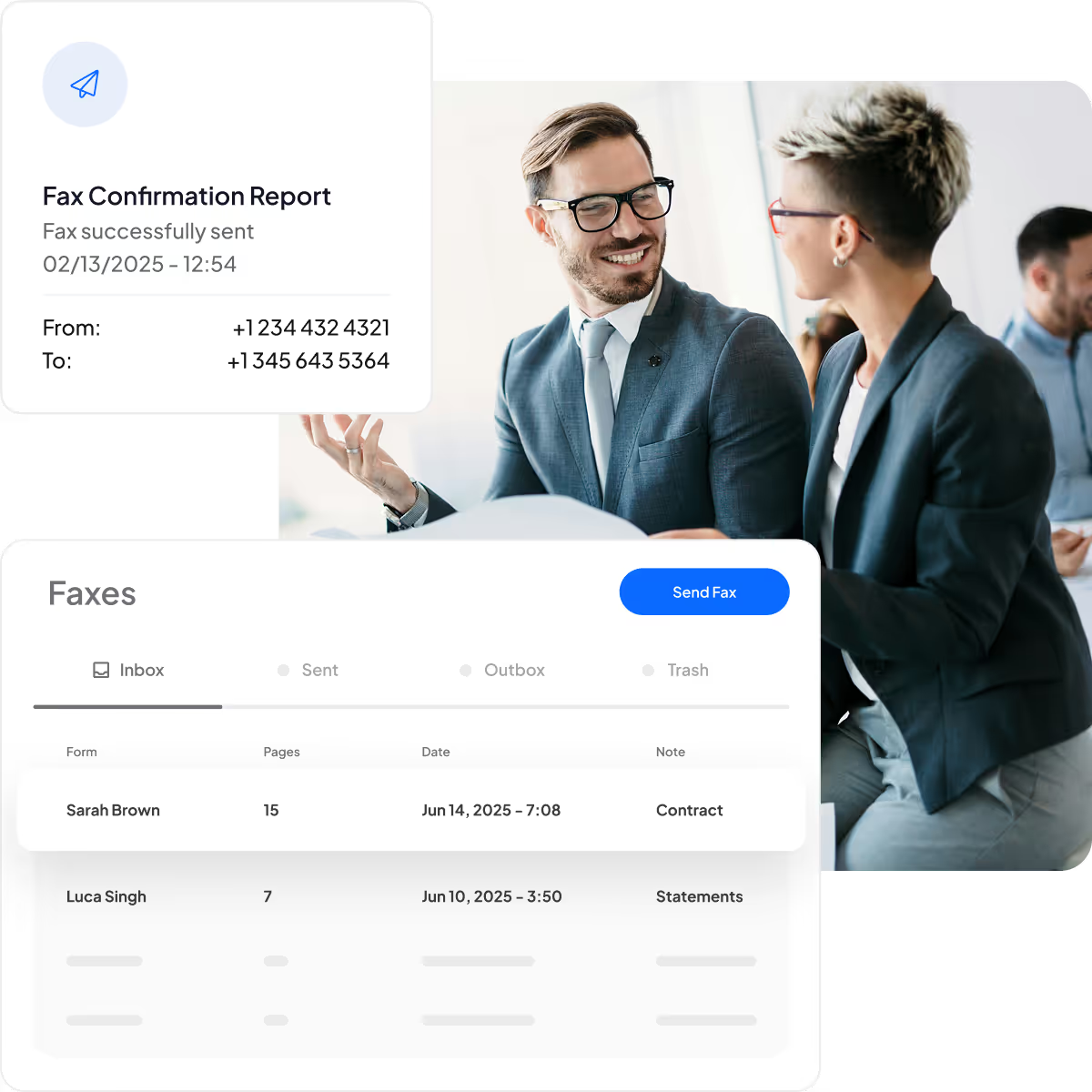
Keep legal faxing connected to your firm's work

Protect stored documents
All stored fax files are encrypted with AES-256, with unique encryption keys for each user. Use account access controls alongside your firm's document-handling policies when exchanging confidential client correspondence.

Fax from familiar tools
Send and receive faxes through a browser, mobile app or supported email workflow. Let attorneys and support staff use familiar office tools with access governed by their Fax.Plus account settings.

Keep your firm's number
Request an eligibility check before transferring an established fax number to Fax.Plus. Confirm the required documents, plan and transition arrangements so staff know how incoming correspondence will be handled during the move.

Replace fax hardware
Send and receive documents without maintaining a dedicated fax machine or phone line. Compare plans against the firm's page volume, receiving needs, users and numbers rather than assuming every feature is included.

Retain transmission records
Locate sent and received faxes and add notes for later retrieval. Download sent-fax confirmation reports for your records, and retain document copies through your firm's approved matter-file process.

Control team access
Give colleagues individual accounts on Business or Enterprise, assign fax numbers and set member sending quotas. Enterprise adds SSO for firms that need centralized authentication alongside their existing identity provider.
Manage fax access across your firm
Match account controls to the way your firm works. Business covers team access, number assignments and quotas. Enterprise adds controls such as SSO, additional administrators and usage analytics.

Invite your colleagues
Business includes five members, while Enterprise supports unlimited members. Invite colleagues with individual logins. Two-factor authentication is available on every plan.


Add firm fax numbers
Business and Enterprise include two fax numbers. Add eligible local, toll-free or international numbers for a separate fee, then assign them to the appropriate colleagues.

Assign shared numbers
On Business or Enterprise, assign several fax numbers to one member or share a number among members. Check the access arrangement your team needs before rollout.

Appoint account admins
Enterprise owners can appoint up to ten administrators to help manage members, numbers and account settings. Business accounts are administered by the account owner.

Review fax consumption
Enterprise owners and administrators can review monthly fax consumption and usage by member. Use these figures to understand activity and plan the team's page allowance.

Access compliance tools
Use the Compliance dashboard to access available compliance offerings. Check the applicable plan, agreements and configuration against your firm's requirements before exchanging regulated information.

Name office fax numbers
Give fax numbers friendly names so colleagues can identify the relevant office, department or purpose. Keep the firm's number assignments easier to recognize and maintain.

Set outbound caller IDs
On Business or Enterprise, set a default outbound caller ID for members who have no assigned fax number. This controls the number used when they send.

Limit outbound fax pages
Set monthly outbound page quotas for members on Business or Enterprise. When a member reaches the limit, sending is temporarily disabled for that member.
FAQ
Does a successful fax mean a court has accepted my filing?

No. A successful fax records a completed transmission, not a court's decision to accept or file the document. Check the court's current rules, authorized destination, required forms and confirmation process before sending. Keep the transmission report and any separate filing acknowledgment according to your firm's records policy.
Can our firm keep using its printer or scanner?
Compatible equipment can remain part of the workflow. Sending requires Scan-to-Email configured with the email address used for the Fax.Plus account. Automatic printing of received faxes requires Email-to-Print and fax-notification attachments sent to the printer's address. Without that setup, staff can download and print documents manually. Follow your firm's rules for handling printed client information.
Will Fax.Plus automatically file faxes in our case-management system?
Automatic filing requires a separately configured integration with your firm's case-management software. Staff can download sent and received documents for an approved filing process, but automatic transfer is a separate integration requirement. Confirm compatibility, permissions and implementation scope before making automatic filing part of your rollout.
Can we control how long faxes remain in Fax.Plus?
Enterprise owners and administrators can configure organization-wide retention for sent and received faxes. Expired documents are permanently purged, so choose the policy only after confirming how required records are retained elsewhere. Automatic deletion is not a legal-hold service, and the firm remains responsible for its matter-file and record-retention obligations.
Explore your next legal faxing task
Check your firm's setup, follow an office sending workflow or understand the records to keep after transmission.
Move firm faxing
Send legal faxes
Keep fax records
Bring faxing into your legal workflow.
Send and receive legal correspondence online, organize your firm's fax access and keep transmission records alongside your matter-file process.
Partner with us!


Confédération Suisse
Confederazione Svizzera
Confederaziun Svizra
Swiss Confederation
Innosuisse - Swiss Innovation Agency



