


Free Fax App for iPhone
Fax.Plus is the free fax app for iPhone that turns your phone into a fax machine. Start for free and upgrade anytime.

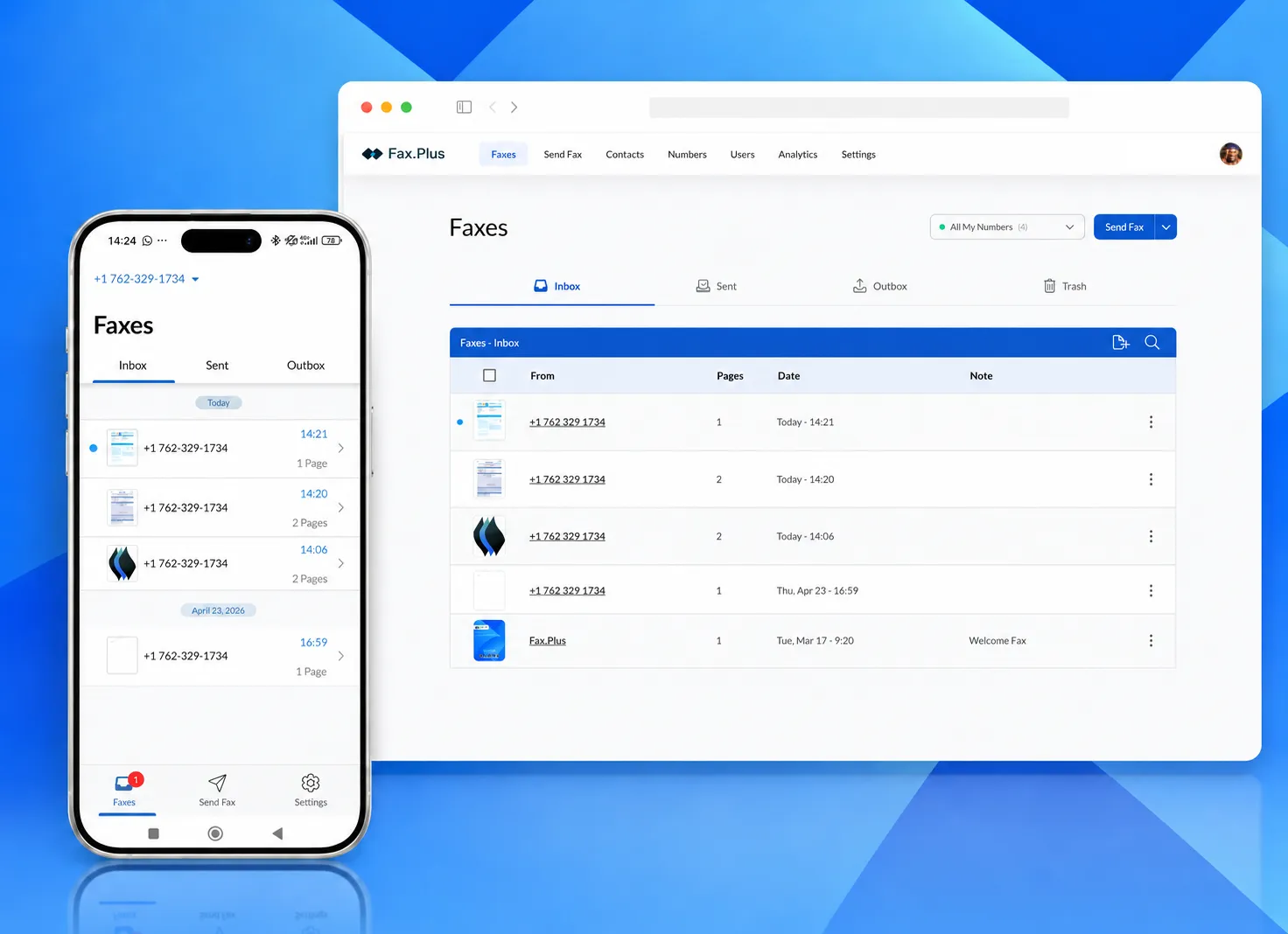

Send and receive faxes from your iPhone
- Send to any fax number, anywhere in the world
- Get a dedicated fax number to receive faxes in the app
- Track every fax with live status: sending, delivered, or failed
- Send to multiple recipients at once, with an optional cover sheet
Turn your iPhone into a mobile scanner
- Scan paper documents with your iPhone camera, with automatic edge detection
- Import files from iCloud, the Files app, or your photo library
- Fax PDFs, Word and Excel files, images, and text files
- Crop, adjust, and reorder pages before you send
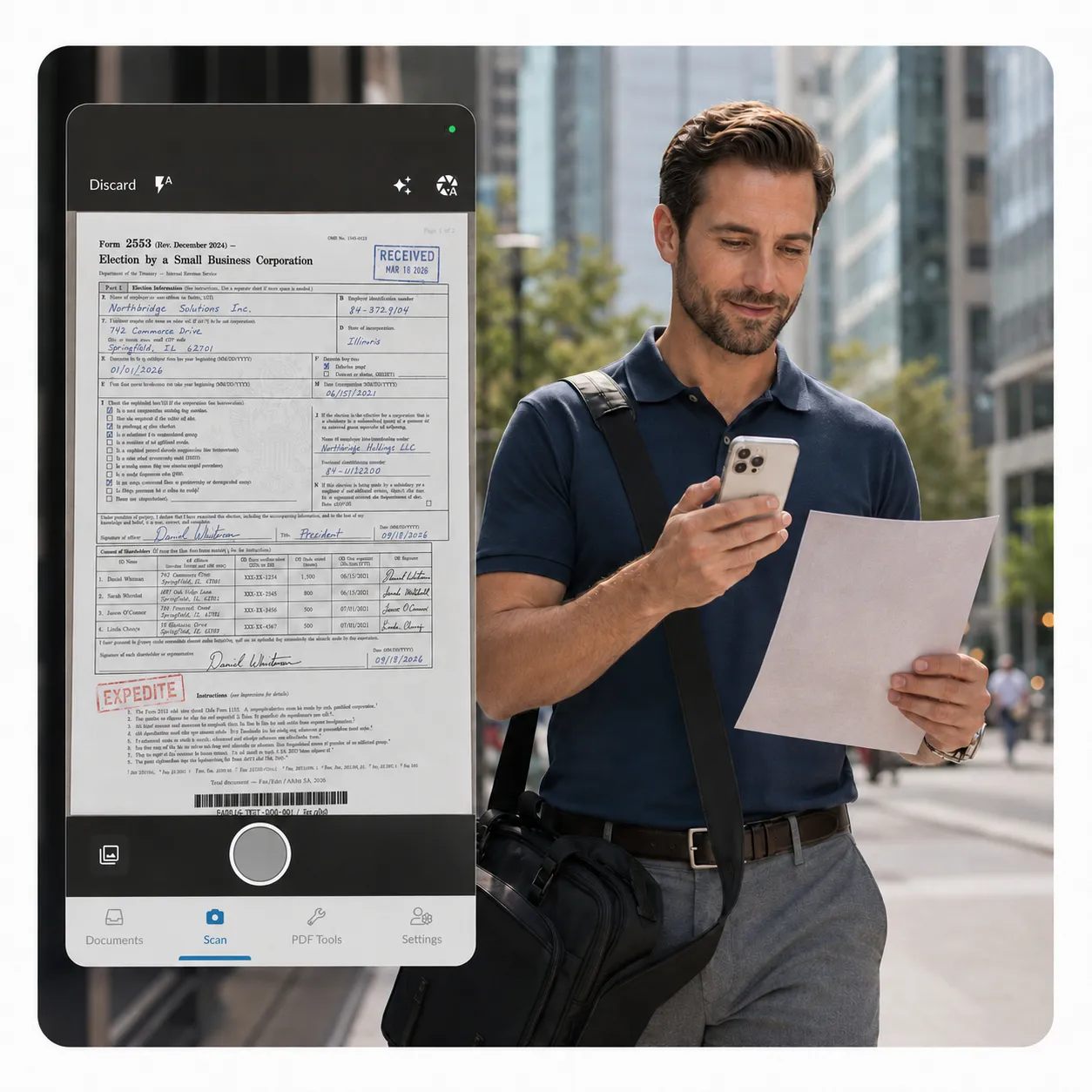
Everything you need to fax on the go

Email faxing

Send later

Delivery alerts

Sign and store
Secure faxing, built in

Encrypted

Certified

HIPAA-ready
FAQ
Does the iPhone have a built-in fax app?

No. iOS has no native fax feature, so you need a fax app such as Fax.Plus to send and receive faxes from your iPhone.
Can I fax from my iPhone without a fax machine?
Yes. Fax.Plus sends and receives faxes over the internet, so you never need a fax machine or a phone line.
How do I fax from my iPhone with the Fax.Plus app?
Download Fax.Plus free from the App Store and create your account. Open the app, tap Send Fax, and enter the recipient's fax number. Scan a document with your camera or attach a file from iCloud or Files, then tap Send. You get a confirmation by push notification and email.
What file types can I fax from the app?
PDF, Word, Excel, images such as JPG and PNG, and text files, plus documents you scan with your iPhone camera.
Can I receive faxes on my iPhone?
Yes, with a dedicated fax number on a paid plan. Incoming faxes arrive in the app with a push notification and are stored securely in your account.
Is there a truly free fax app for iPhone?
Yes. Fax.Plus is free to download on the App Store, and eligible new users receive 10 one-time sending pages after mobile verification. The allowance is not a time-limited trial or a monthly renewal, and does not include a receiving number. The published Fax.Plus web pricing starts with Basic at USD8.99 billed monthly or USD83.99 billed annually, displayed as USD6.99 per month with annual billing.
How much does the fax app cost?
The app is free to download. Under the published Fax.Plus web pricing, Basic costs USD8.99 billed monthly or USD83.99 billed annually, displayed as USD6.99 per month with annual billing. Eligible new users can start with 10 one-time sending pages after mobile verification. Receiving requires a paid plan; taxes and additional usage charges may apply.
What is the best fax app for iPhone?
The best fax app depends on your needs, but look for one that sends and receives reliably, is easy to use, is secure, and offers a real free option. Fax.Plus covers all four, with a 4.7-star app, strong encryption, and a free plan to start.
Is it safe to fax from an app?
Fax.Plus encrypts stored fax documents with AES-256 and supports two-factor authentication. Safety also depends on account access, the recipient number and how documents are handled after delivery. Healthcare workflows involving PHI require Enterprise, enabled Advanced Security Controls and a signed BAA.
Does it work on iPad too?
Yes. The same Fax.Plus app works on iPhone and iPad on recent iOS versions.
Explore more ways to fax
Fax from your other devices, discover more ways to send a fax, and choose the plan and fax number that fit you.
Fax from any device

More ways to fax
Plans and fax numbers
Start faxing now.
Create an account to save time and money by sending free faxes from a computer or mobile to anywhere in the world.
Partner with us!


Confédération Suisse
Confederazione Svizzera
Confederaziun Svizra
Swiss Confederation
Innosuisse - Swiss Innovation Agency



